
Professional
$0- Sign up for free
The card says “Free and fully featured. No limits, no missing tools.”
 Open-source design platform
A design and prototype platform with native design tokens, self-hosting, and an official MCP server for the open file.
Public pages reviewed · 2026-10-24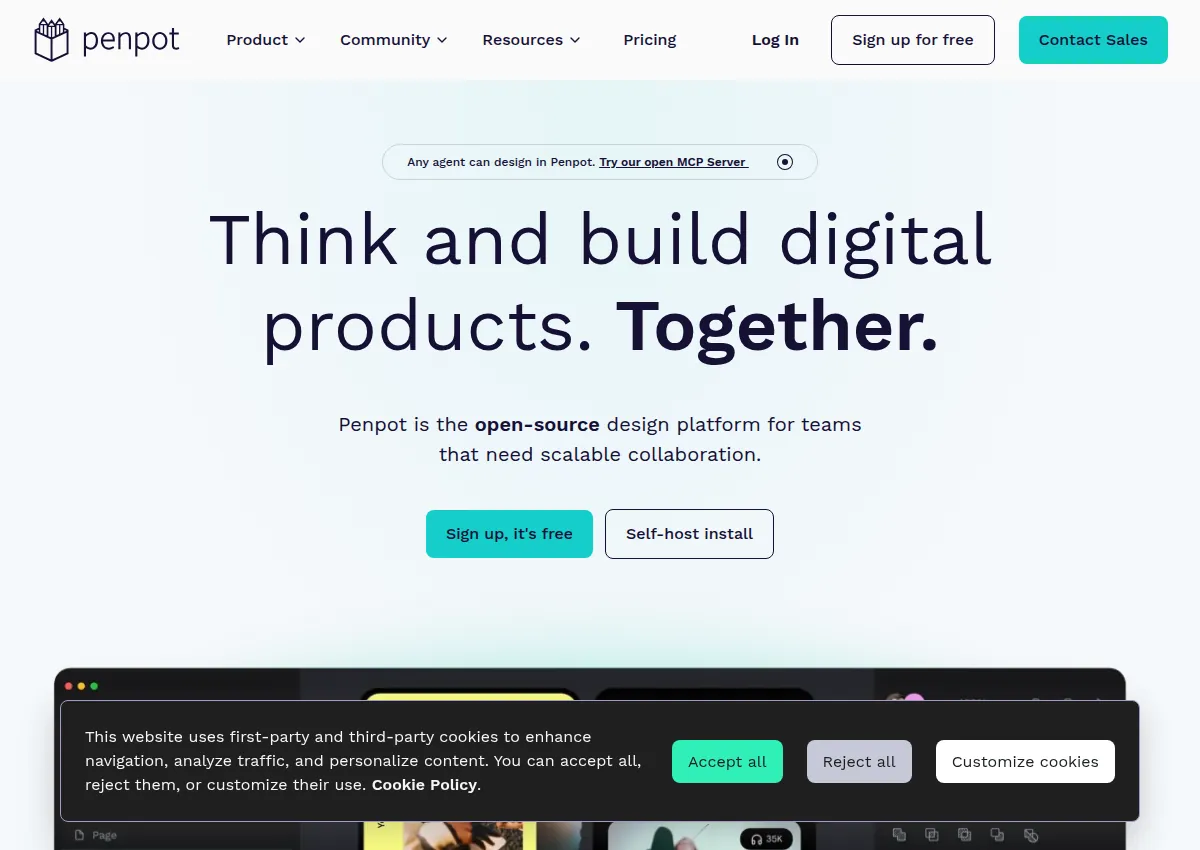
penpot.app is the product. The source repository is github.com/penpot/penpot. The current MCP docs are https://help.penpot.app/mcp/. The older github.com/penpot/penpot-mcp repository is archived, has 532 stars, and is not a second listing.
Create or adapt creative work. Use the design tool in the browser or from the public source, and read the MCP help before connecting an agent.
Do not connect a client or paste an MCP key. The help page says a connected agent can edit the focused page. github.com/penpot/penpot-mcp was archived on 2026-02-03.
Official documentationThe API reference was not reviewed page by page. No token was created.
Official documentationDocumented connections have not been authenticated or tested by this directory. “Not established” means we do not have enough evidence, rather than that a feature is unavailable.
penpot.app/pricing lists cloud plans in USD: Professional $0 per user/month, Unlimited $7 per editor/month capped at $175 per month, Enterprise $25 per member/month, and Private Server $50k per year. Unlimited and Enterprise show a 14-day trial. The source is MPL-2.0. A comparison grid also lists storage and version-history figures; those cells were not reliably tied to a plan name in this review.
The card says “Free and fully featured. No limits, no missing tools.”
14-day trial is shown on the card.
14-day trial is shown on the card. SSO is named on the Enterprise help page.
The card says to talk to Penpot. No monthly equivalent was shown.
Add your brand and goal, then paste this into your preferred agent.
The fastest way to use Penpot for your brand is to start with reading a design file as tokens and code, using only what this Open-source design platform listing documents.
How to use Penpot for your brand, with Penpot prompts and Penpot examples for a product or build team. The three prompts below cover different jobs from this listing: Reading a design file as tokens and code; Comparing Penpot cloud plans; Reviewing the MCP setup before connecting it. For how to use Penpot with Claude, the listing names Claude, Claude Desktop. Paste a prompt into Claude with your own brand facts. This directory has not tested that client.
Paste this into Claude Code or Cursor, next to the source; expect a first pass, plus questions if your context is missing.
Builders deciding what to try first with Penpot.
Paste this into Claude Code or Cursor, next to the source; expect one concrete workflow, plus questions if your context is missing.
Someone applying Penpot to one task in their own project.
Paste this into Claude Code or Cursor, next to the source; expect a small weekly routine, plus questions if your context is missing.
A team lead setting up a repeating way to use Penpot.
Study the choices that make an example useful: its structure, visual hierarchy, opening, and next action. Adapt the pattern to your actual product and audience. The original creator's assets, wording, claims, and identity stay with them.
A static badge that links to this page. It does not mean the vendor endorses the directory.

[](https://agentswipefile.com/resources/penpot/?utm_source=badge&utm_medium=referral)
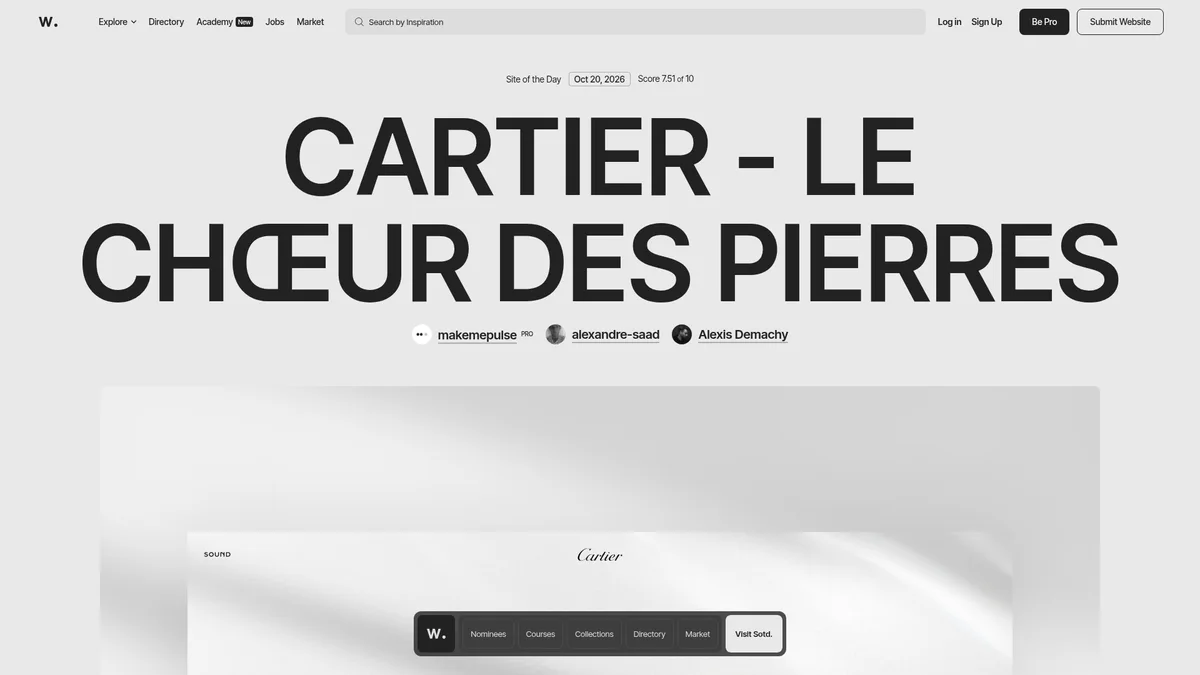

Discover recognized websites and creative collections to study art direction, typography, and interaction.
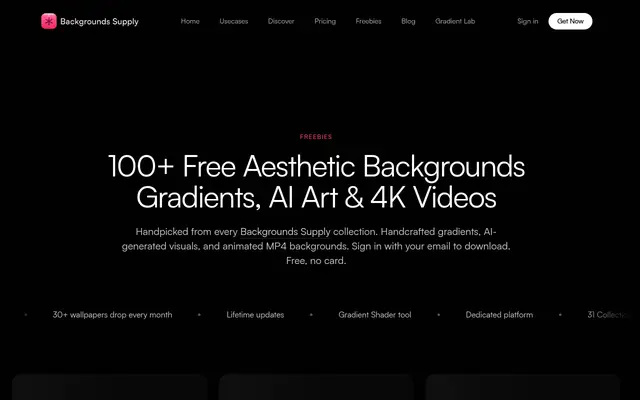

Find downloadable background resources for exploring composition, texture, and visual atmosphere.
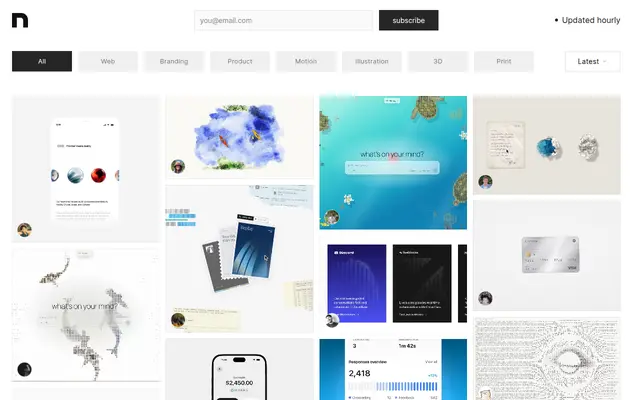

Explore a curated archive of visual design and creative work for a fresh perspective on your next project.