
Free
$0- Scene editing
- Poly Haven, Sketchfab, and Poly Pizza
3D generation uses your own Meshy, Hunyuan3D, or Hyper3D Rodin API keys.
 Blender MCP addon
A third-party Blender addon and MCP server that lets a coding agent create and edit a 3D scene. It is not a Blender Foundation product.
MCP for Blender is a third-party MIT addon and MCP server for creating and editing a 3D scene. It is not a Blender Foundation product. The record names Claude Desktop, Claude Code, Codex, Cursor, Visual Studio Code, OpenCode, and Antigravity. The installer was not run. Review the README before installing.
Public pages reviewed · 2026-10-24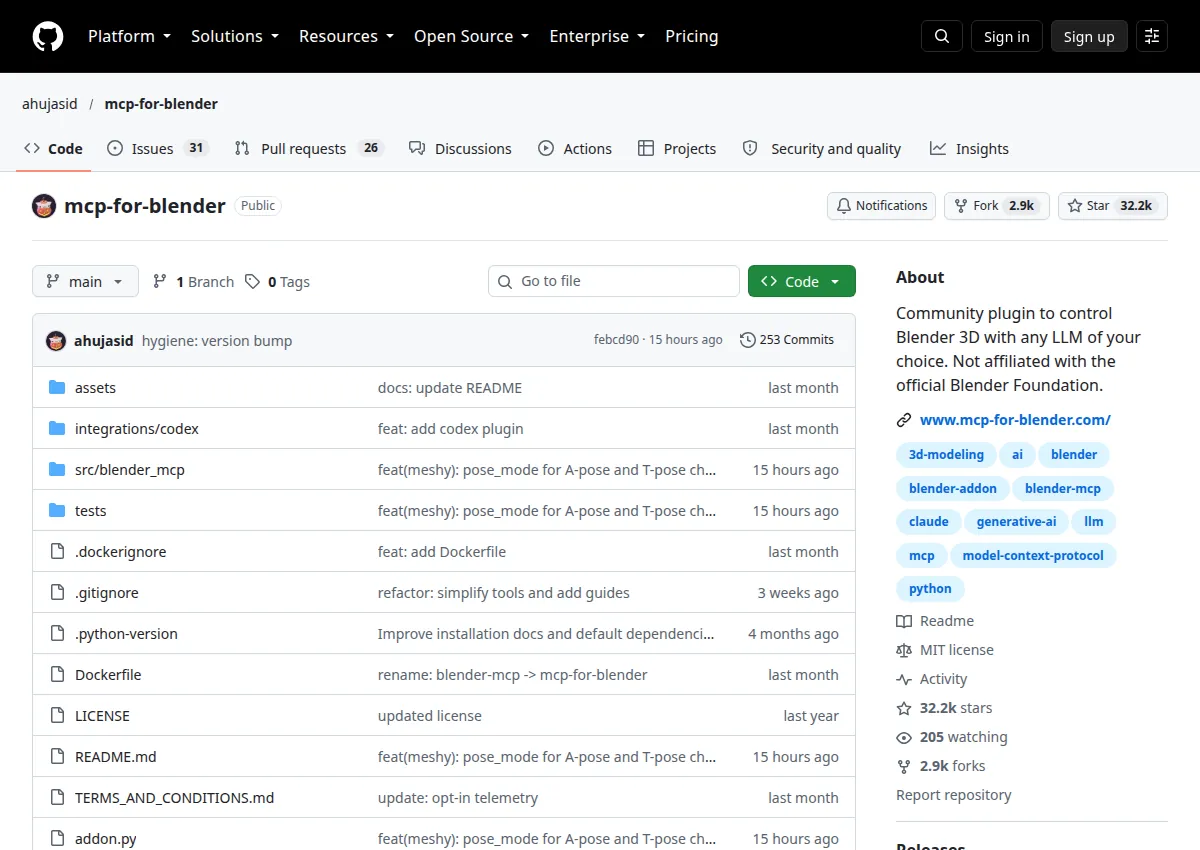
The submitted URL github.com/ahujasid/blender-mcp now resolves to github.com/ahujasid/mcp-for-blender. The README says the PyPI name changed from blender-mcp to mcp-for-blender and that this is not made by Blender. The one-line installer was not run.
Create or adapt creative work. Read how the addon connects an MCP client to Blender, and compare the free scene tools with the paid generation plans.
Do not run the curl or PowerShell installer from this listing. Connection was not tested. Only one client should run the server, per the README.
Official documentationDocumented connections have not been authenticated or tested by this directory. “Not established” means we do not have enough evidence, rather than that a feature is unavailable.
The addon is MIT-licensed. The premium page says scene editing, Poly Haven, Sketchfab, and Poly Pizza are included on Free, and that Free 3D generation uses your own provider keys. Paid plans include generation without those keys. Prices are in USD. Annual prices on the page are Hobby $99, Pro $199, Studio $599, and Max $999 billed yearly, each marked “2 months free.” Enterprise is custom.
3D generation uses your own Meshy, Hunyuan3D, or Hyper3D Rodin API keys.
No high-quality generations. Up to 3 computers. Failed generations are not counted.
Up to 3 computers. The page names Meshy, Hunyuan3D v3.1, Tripo, and Hyper3D Rodin.
Run 3 generations at once. Up to 3 computers.
Run 3 generations at once. Up to 3 computers.
The page says to email for a plan. No public price.
Add your brand and goal, then paste this into your preferred agent.
The fastest way to use MCP for Blender for your brand is to start with reviewing a Blender MCP before install, using only what this Blender MCP addon listing documents.
How to use MCP for Blender for your brand, with MCP for Blender prompts and MCP for Blender examples for a product or build team. The three prompts below cover different jobs from this listing: Reviewing a Blender MCP before install; Separating the free addon from paid 3D generation; Checking which clients the README names. For how to use MCP for Blender with Claude, the listing names Claude Desktop, Claude Code. Paste a prompt into Claude with your own brand facts. This directory has not tested that client.
Paste this into Claude Code or Cursor, next to the source; expect a first pass, plus questions if your context is missing.
Builders deciding what to try first with MCP for Blender.
Paste this into Claude Code or Cursor, next to the source; expect one concrete workflow, plus questions if your context is missing.
Someone applying MCP for Blender to one task in their own project.
Paste this into Claude Code or Cursor, next to the source; expect a small weekly routine, plus questions if your context is missing.
A team lead setting up a repeating way to use MCP for Blender.
Study the choices that make an example useful: its structure, visual hierarchy, opening, and next action. Adapt the pattern to your actual product and audience. The original creator's assets, wording, claims, and identity stay with them.
A static badge that links to this page. It does not mean the vendor endorses the directory.

[](https://agentswipefile.com/resources/mcp-for-blender/?utm_source=badge&utm_medium=referral)
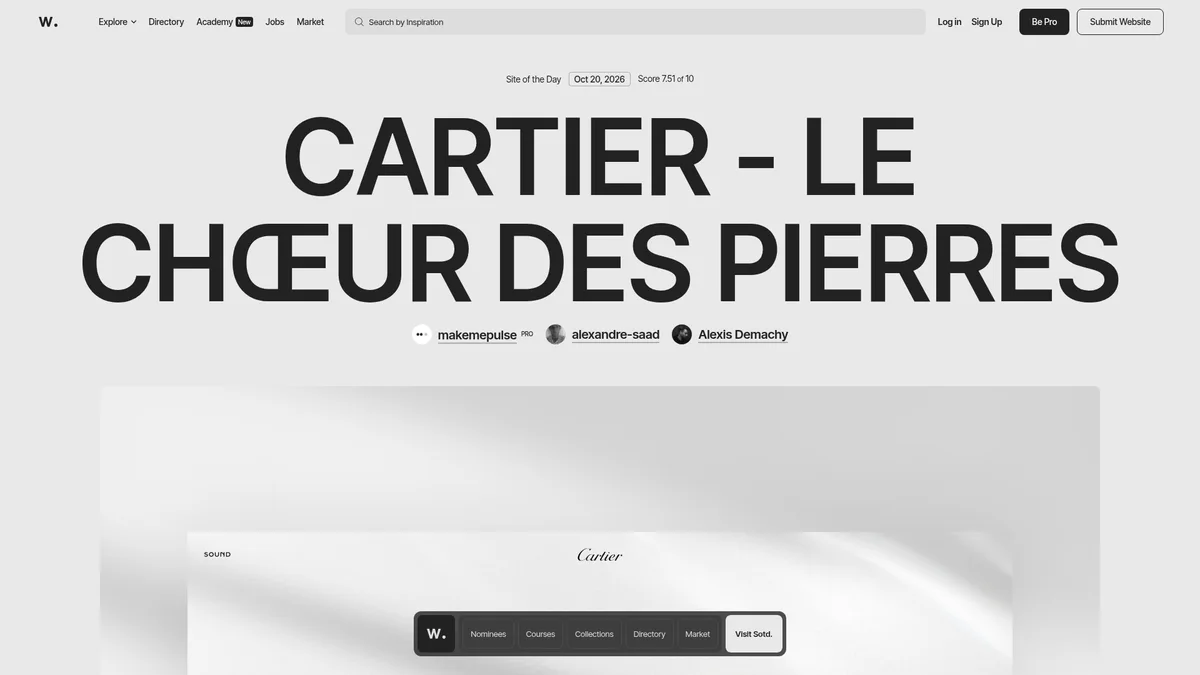

Discover recognized websites and creative collections to study art direction, typography, and interaction.
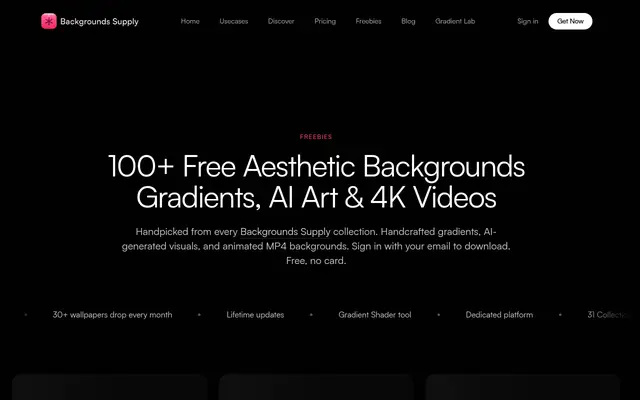

Find downloadable background resources for exploring composition, texture, and visual atmosphere.
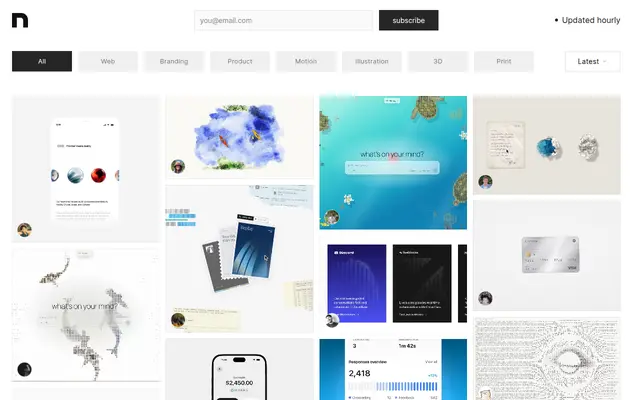

Explore a curated archive of visual design and creative work for a fresh perspective on your next project.