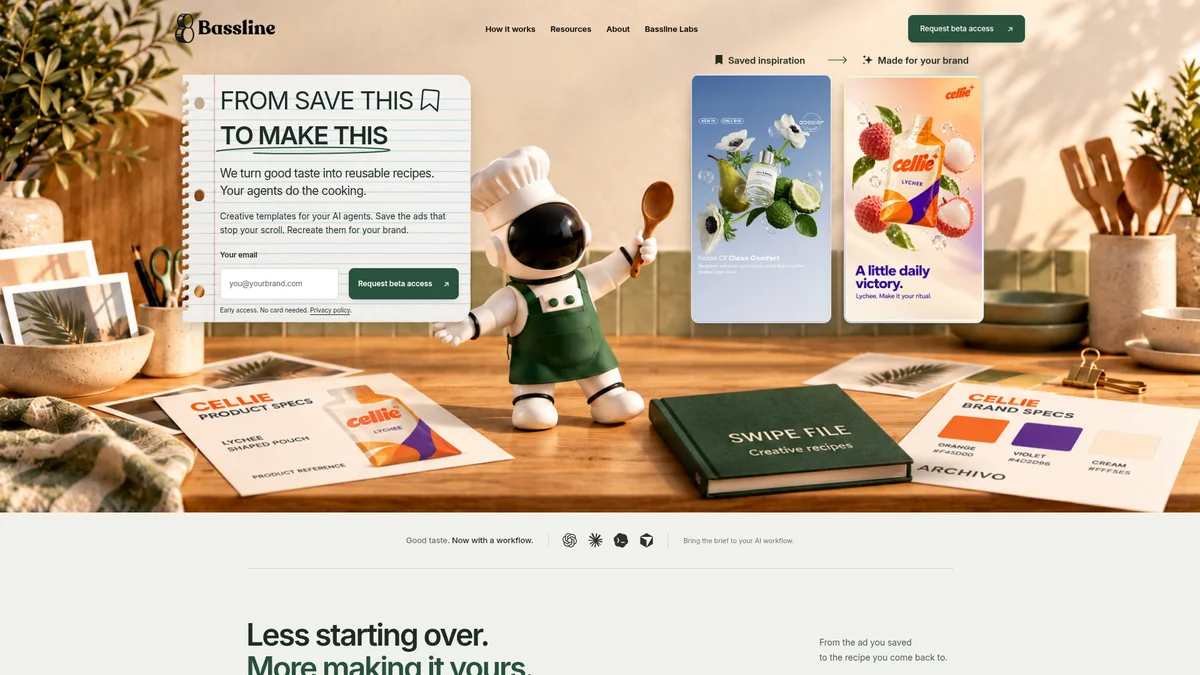
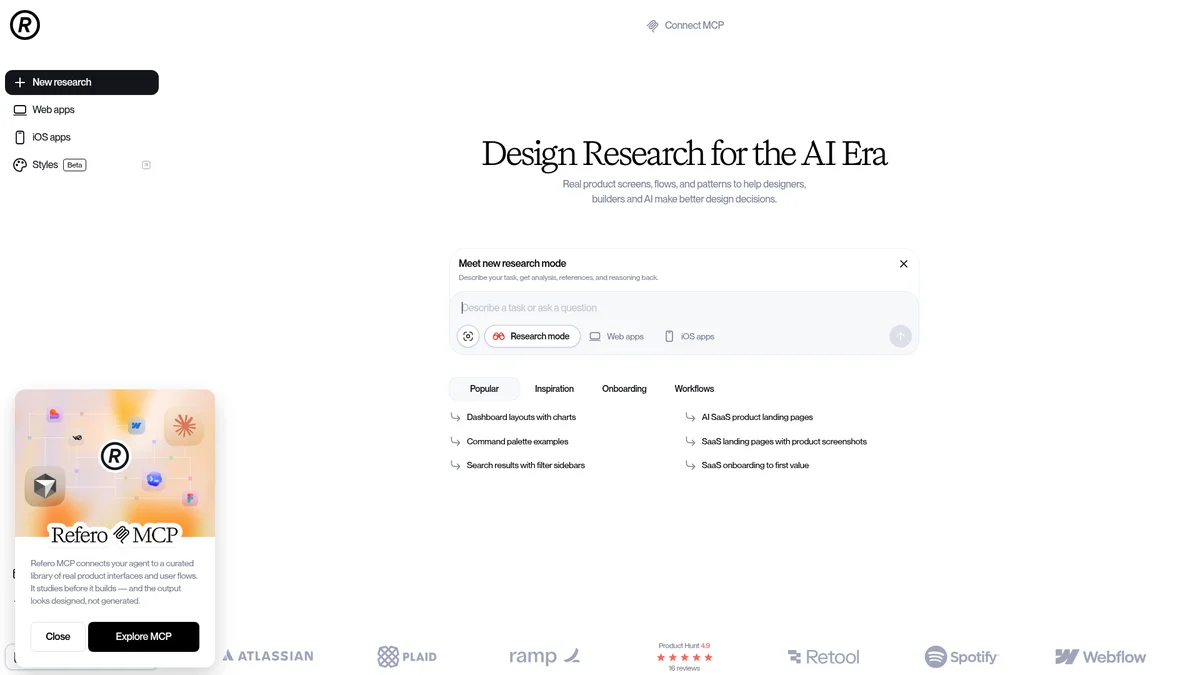
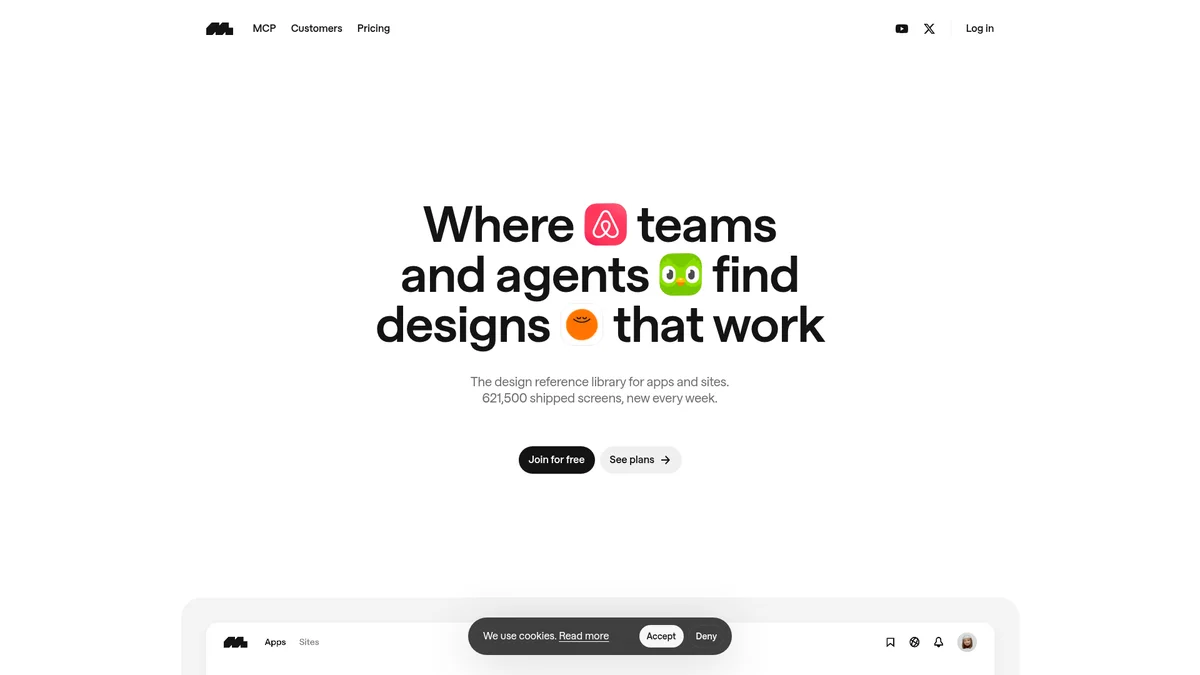
 Featured
 Agent-ready design library
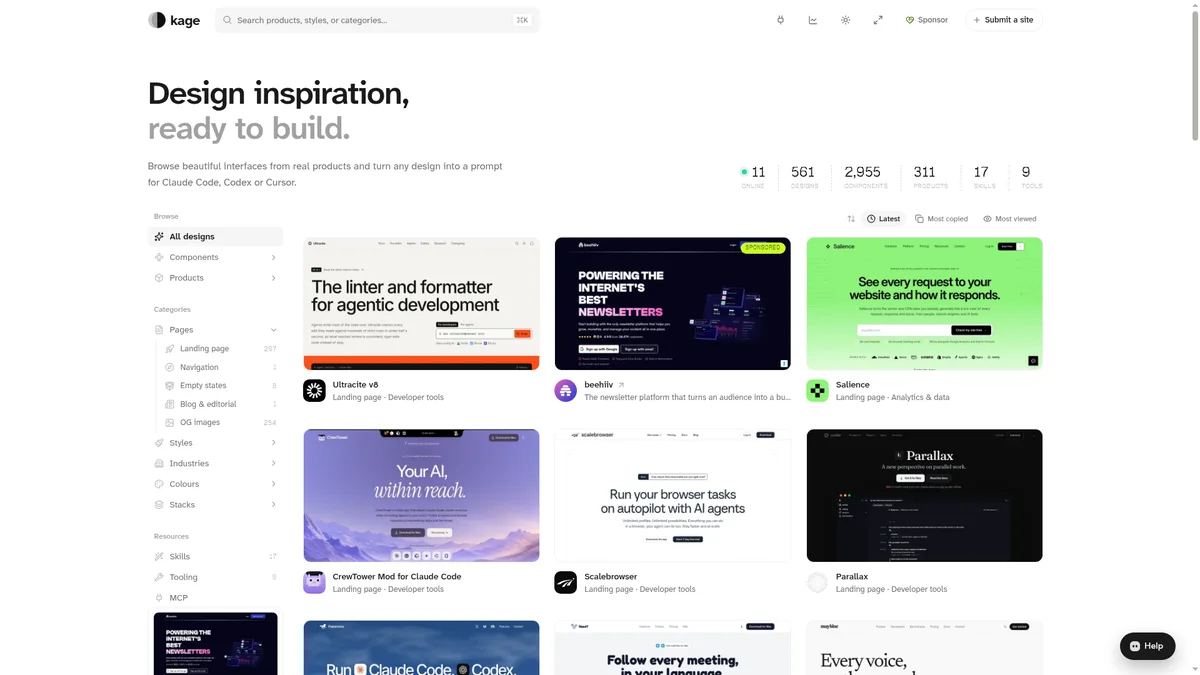
Kage
Move from real interface references to component-level design prompts for your AI workflow.
Public page reviewed · 2026-10-21kage.design
Where it comes in handy.
- Component-level reference research
- Design-to-prompt handoffs
- Landing-page visual direction
Start with a page, inspect the section that solves your problem, and keep the surrounding context in your brief. Treat prompts as a starting point for original work.
How it fits your workflow.
Give an agent reusable context. Move from real interface references to component-level design prompts for your AI workflow.
Connections & plugins
- MCPdocumented
Check the vendor for account, plan, permissions and usage limits.
Official documentation
Documented connections have not been authenticated or tested by this directory. “Not established” means we do not have enough evidence, rather than that a feature is unavailable.
Pricing & what you get.
Current amounts, billing terms and plan entitlements were not established in the published review. Check the official source before choosing a plan.
Check official plans Reviewed 2026-10-21 · Confirm billing, regional pricing, taxes and current allowances.A few things to check.
- Public vendor documentation reviewed; no authenticated integration test.
- A screenshot is a preview of the source page, not proof of access to its private library.
Start with a better brief.
Add your brand and goal, then paste this into your preferred agent.
I am making [asset and goal] for [brand, audience, and product]. Use Kage (https://kage.design/?utm_source=agentswipefile&utm_medium=referral&utm_campaign=agent-brief&utm_content=kage) as a reference source, within the access available to me. Focus on component-level reference research, design-to-prompt handoffs. Find three relevant references and return their original source URLs. For each, explain the opening message, structure, visual or narrative choices, and call to action. Say why it fits our task and identify anything you could not access. Then propose three original directions grounded in our brand voice and actual product facts. Use references to understand patterns; do not copy another brand's wording, claims, identity, or footage.
Use the reference. Keep the work yours.
Study the choices that make an example useful: its structure, visual hierarchy, opening, and next action. Adapt the pattern to your actual product and audience. The original creator's assets, wording, claims, and identity stay with them.