
 Featured
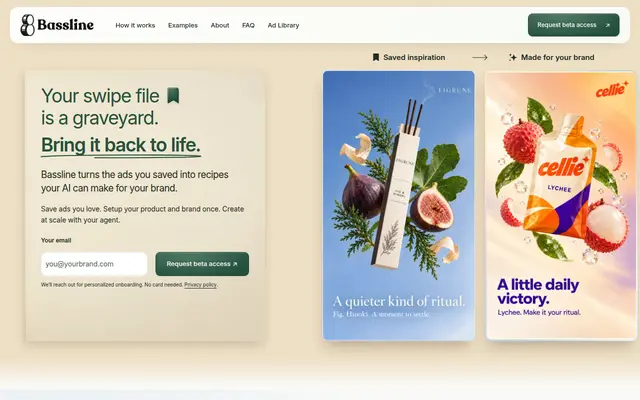
Bassline
Turn saved ad references and brand context into reusable creative briefs for your AI workflow.
 GitHub Copilot customization library
A public library of community agents, instructions, skills, hooks, workflows, and plugins for GitHub Copilot.
Public pages reviewed · 2026-10-23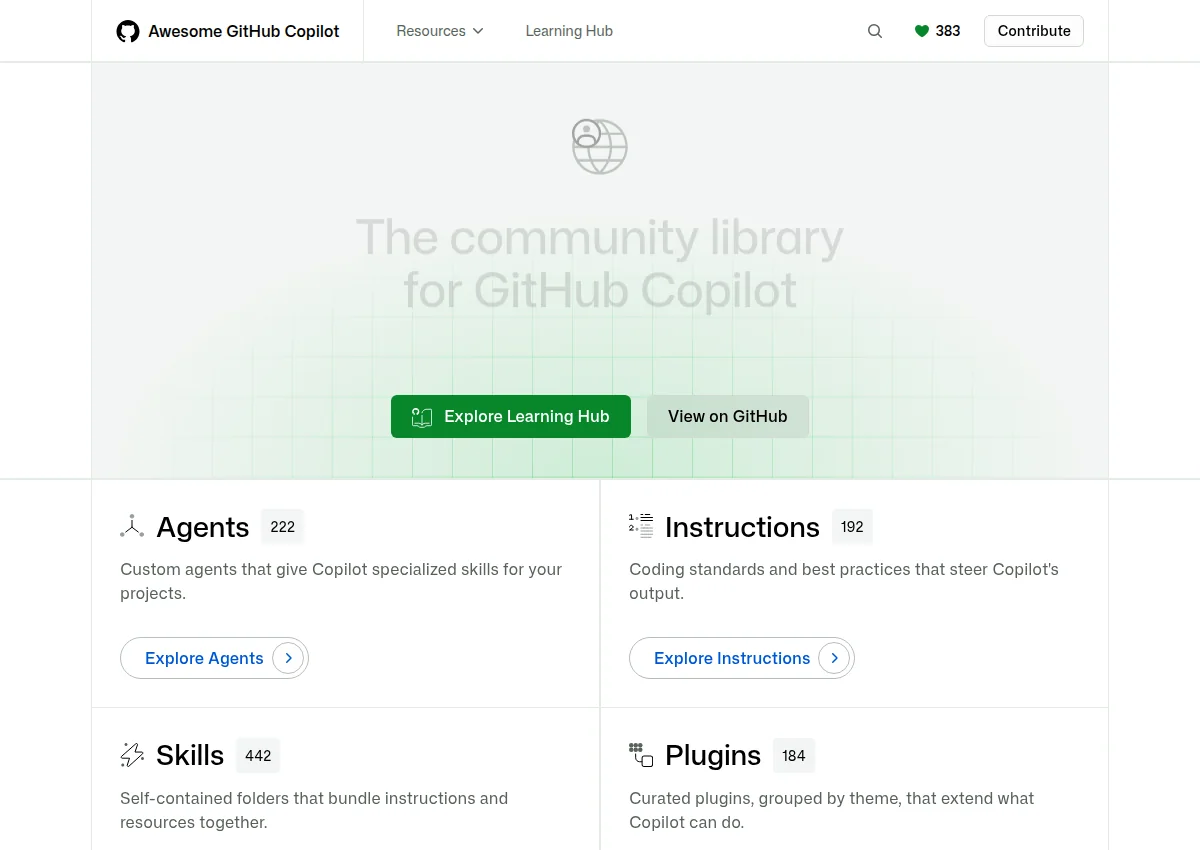
The README says the customizations come from third-party developers and should be inspected first. Counts embedded in the homepage payload on 2026-10-23 were 222 agents, 53 extensions, 192 instructions, 184 plugins, 442 skills, and 407 learning-hub items. Those figures were not recounted from the files.
Give an agent reusable context. Browse Copilot agents, instructions, skills, and plugins on the public website, which is generated from the GitHub repository.
The files are public. The README says customizations come from third parties and should be inspected before installing. Nothing was installed.
Official documentationRead the site or the README. Copilot product subscription terms were not reviewed.
Official documentationThe file is public. It is an index, not a security review.
Official documentationDocumented connections have not been authenticated or tested by this directory. “Not established” means we do not have enough evidence, rather than that a feature is unavailable.
The repository is MIT-licensed and public. GitHub Copilot itself is a separate product; its subscription price was not reviewed.
Check official plans Reviewed 2026-10-23 · Confirm billing, regional pricing, taxes and current allowances.Add your brand and goal, then paste this into your preferred agent.
The fastest way to use Awesome GitHub Copilot for your brand is to start with finding a Copilot skill or instruction, using only what this GitHub Copilot customization library listing documents.
How to use Awesome GitHub Copilot for your brand, with Awesome GitHub Copilot prompts and Awesome GitHub Copilot examples for a product or build team. The three prompts below cover different jobs from this listing: Finding a Copilot skill or instruction; Comparing agents and plugins before install; Reading the learning hub for customization concepts. For how to use Awesome GitHub Copilot with Claude, paste a prompt into a Claude Project that already has your brand facts.
Paste this into Claude Code or Cursor, next to the source; expect a first pass, plus questions if your context is missing.
Builders deciding what to try first with Awesome GitHub Copilot.
Paste this into Claude Code or Cursor, next to the source; expect one concrete workflow, plus questions if your context is missing.
Someone applying Awesome GitHub Copilot to one task in their own project.
Paste this into Claude Code or Cursor, next to the source; expect a small weekly routine, plus questions if your context is missing.
A team lead setting up a repeating way to use Awesome GitHub Copilot.
Study the choices that make an example useful: its structure, visual hierarchy, opening, and next action. Adapt the pattern to your actual product and audience. The original creator's assets, wording, claims, and identity stay with them.
A static badge that links to this page. It does not mean the vendor endorses the directory.

[](https://agentswipefile.com/resources/awesome-copilot/?utm_source=badge&utm_medium=referral)
FeaturedTurn saved ad references and brand context into reusable creative briefs for your AI workflow.
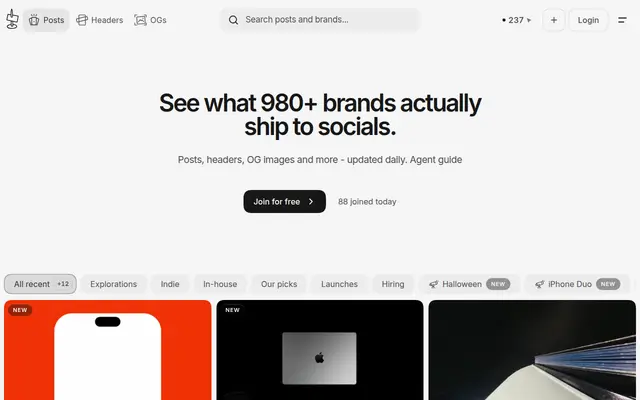

Explore real social posts, launch graphics, headers, and share images, with a public agent guide.


Bring a website's design language into your AI workflow through a readable DESIGN.md reference.